Windows desktop
System playback, a microphone, or one chosen app. Select it and drag out a WAV. Capturing one chosen app needs Windows 11. Download from GitHub.
Windows 10/11 x64
 Backtracking
Retrospective audio sampler
Select what you just heard and drag it out as a WAV. Backtracking keeps up to 10 minutes of audio in memory.
WindowsmacOSVST3CLAP
Windows 10/11 x64 · macOS 14.2 or later
Drag across the waveform to select. Hold Shift to snap to whole seconds. Drag the selection onto the track below. With the waveform focused: Enter selects the last 4 seconds, arrow keys move the selection, Shift with arrow keys changes its start, Enter again sends it to the track, Escape or Backspace cancels.
Saving is off in this demo because the music is licensed. The app saves real WAV files.
Drag the selection here
A browser demo. The sound plays on this page. The real app captures your system playback, a microphone, a chosen app, or a DAW track.
Music: “Fun Vibe” by Dyalla, YouTube Audio Library.
Backtracking keeps the last 10 seconds to 10 minutes of audio in memory.
Drag across the waveform. Hold Shift to snap to flags, bars or seconds.
Drop it on a DAW track or into a folder. Recording keeps running in the background.
Record two sources at once and save two aligned WAVs.
Save from the background: Alt + ` on Windows, Fn/Globe + ` on macOS.
Shrink the window to a thin waveform strip, with adjustable transparency, kept on top.
Capture system playback, a microphone, or one chosen app.
Insert it on any DAW track to capture audio at that point in the chain.
Live level in dBFS, VU or momentary LUFS.
44.1, 48 or 96 kHz; 16-bit, 24-bit PCM or 32-bit float.
Optionally keep silence instead of compressing it.
A plug-in instance can send its audio to the desktop recorder on the same computer.
System playback, a microphone, or one chosen app. Select it and drag out a WAV. Capturing one chosen app needs Windows 11. Download from GitHub.
Windows 10/11 x64
System playback, a microphone, or one chosen app, on macOS 14.2 or later. Download from GitHub.
macOS 14.2 or later
Insert it on a track, group or master. It keeps what passed through and hands it back as a WAV.
VST3 / CLAP
A global Super + ` shortcut that tells a Backtracking plug-in instance to save a snapshot. Download from GitHub.
WindowsmacOSVST3CLAP
It was already listening.
The video could not be loaded.
The video could not be loaded.
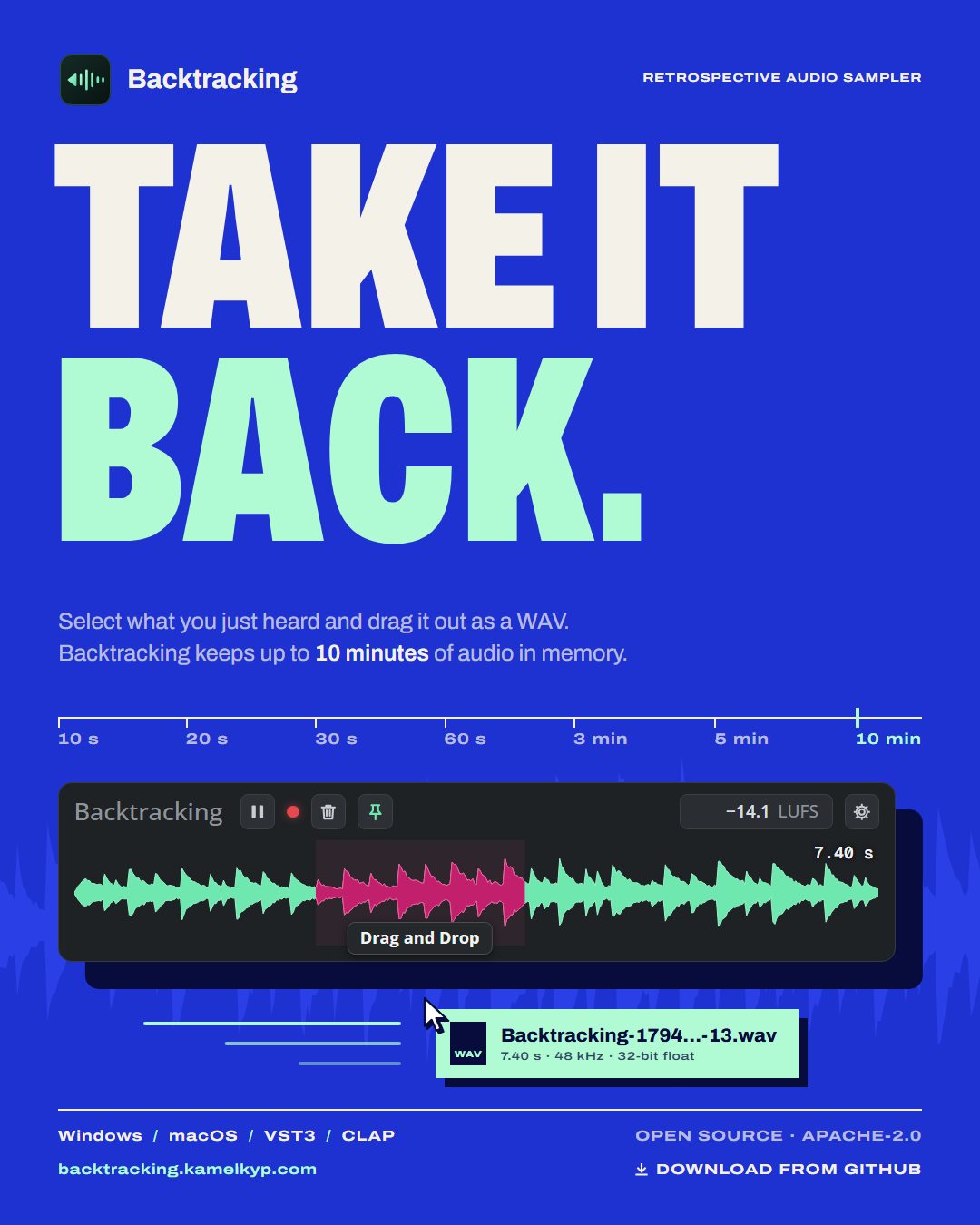 (opens the full-size PNG in a new tab)
Master poster 1080 × 1350
Download PNG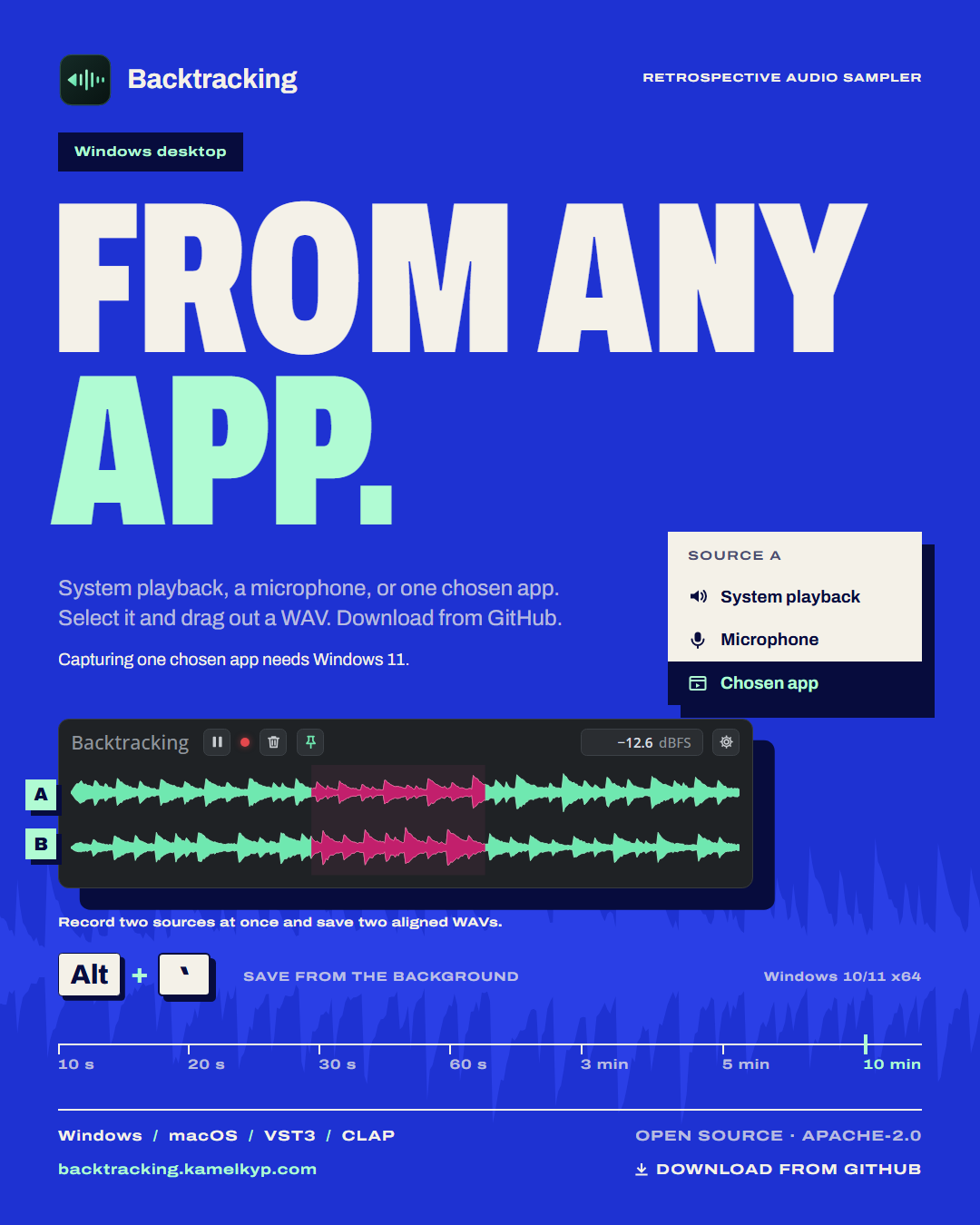 (opens the full-size PNG in a new tab)
Windows desktop 1080 × 1350
Download PNG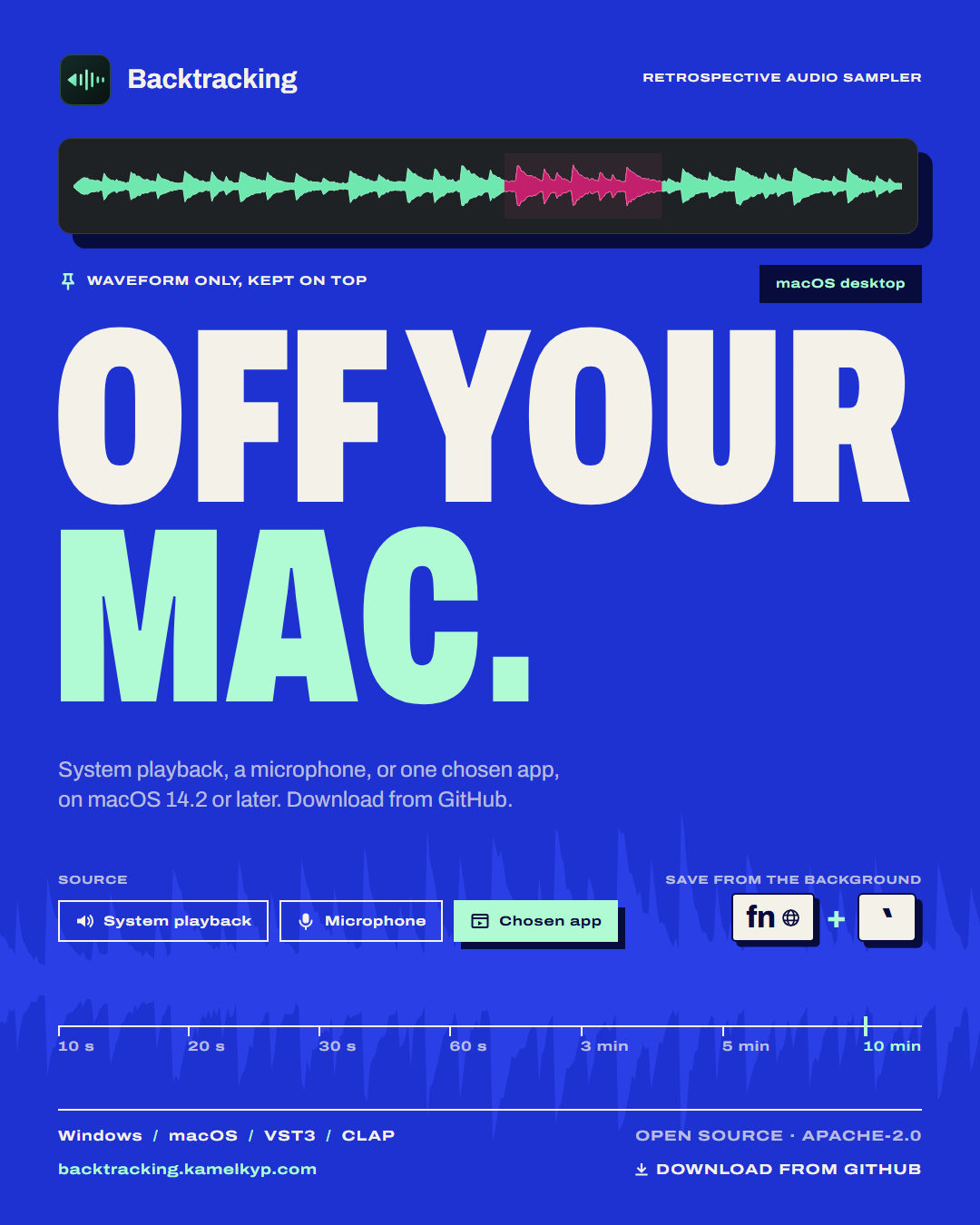 (opens the full-size PNG in a new tab)
macOS desktop 1080 × 1350
Download PNG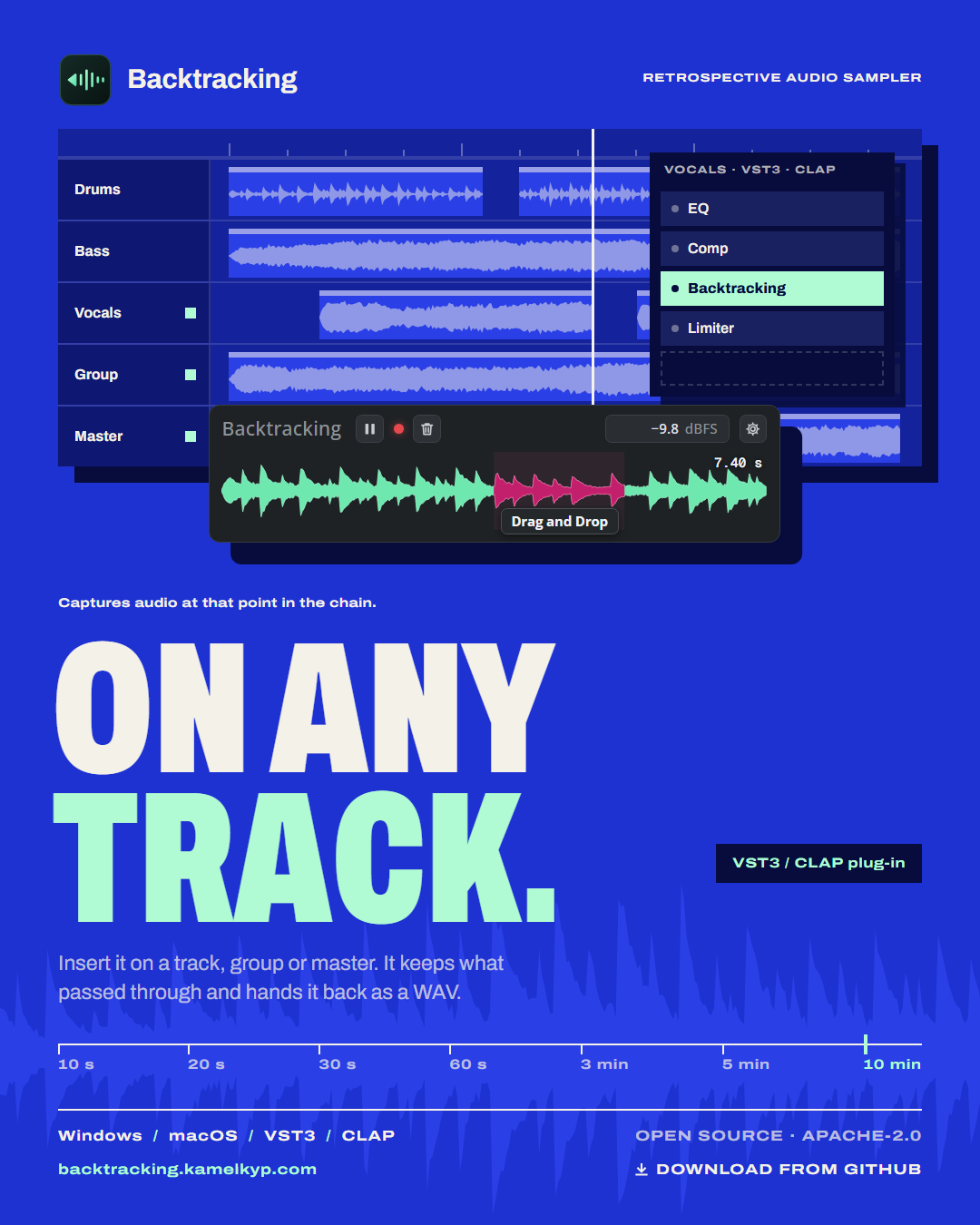 (opens the full-size PNG in a new tab)
VST3 / CLAP plug-in 1080 × 1350
Download PNG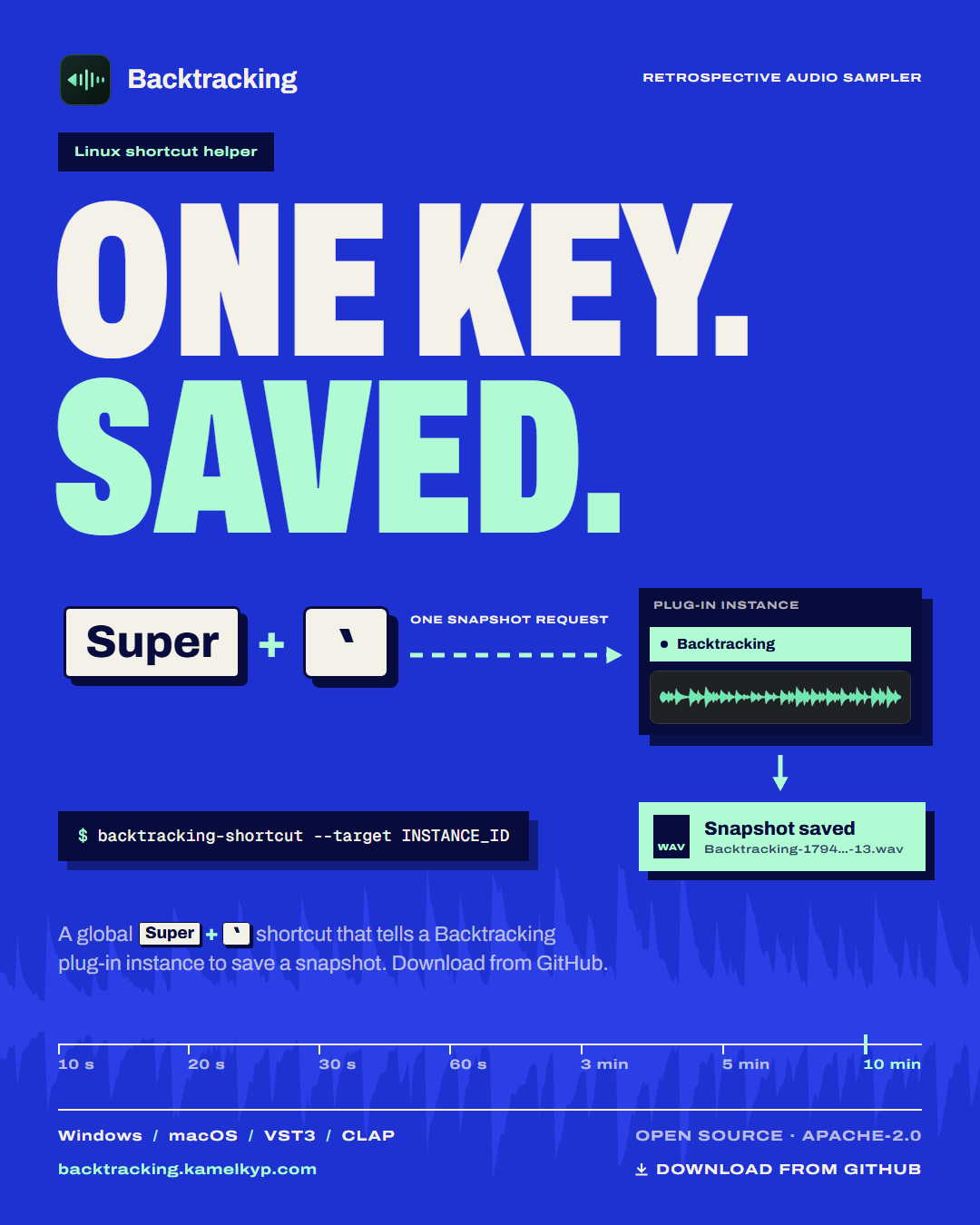 (opens the full-size PNG in a new tab)
Linux shortcut helper 1080 × 1350
Download PNG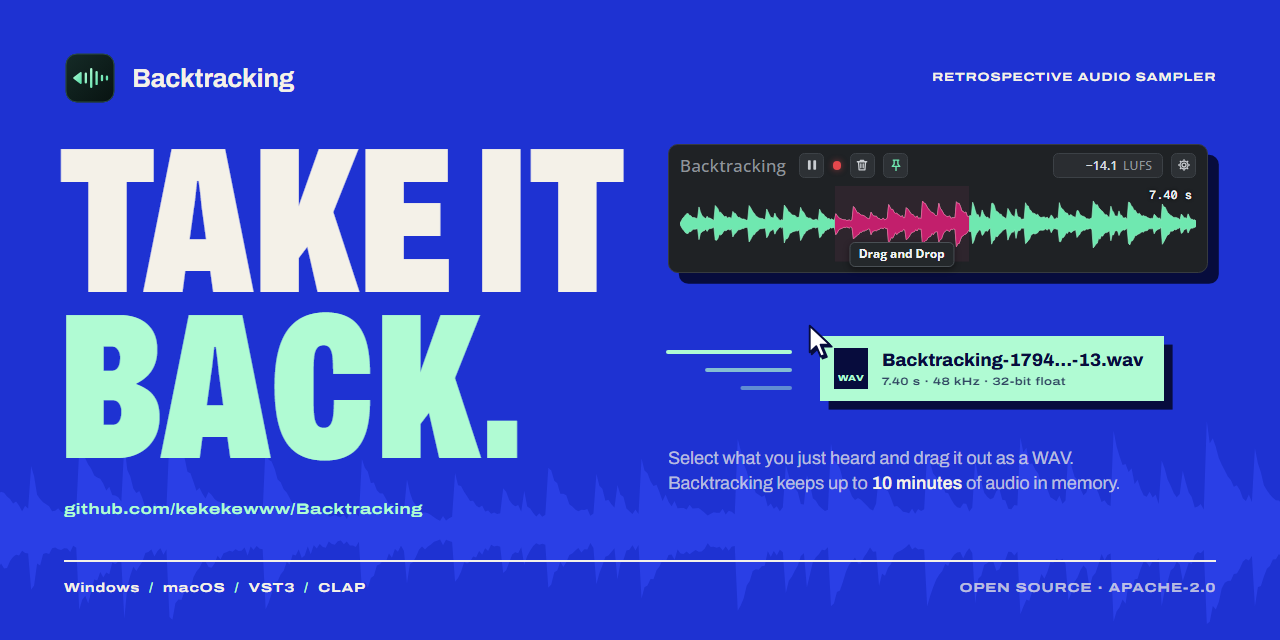 (opens the full-size PNG in a new tab)
GitHub social preview 1280 × 640
Download PNG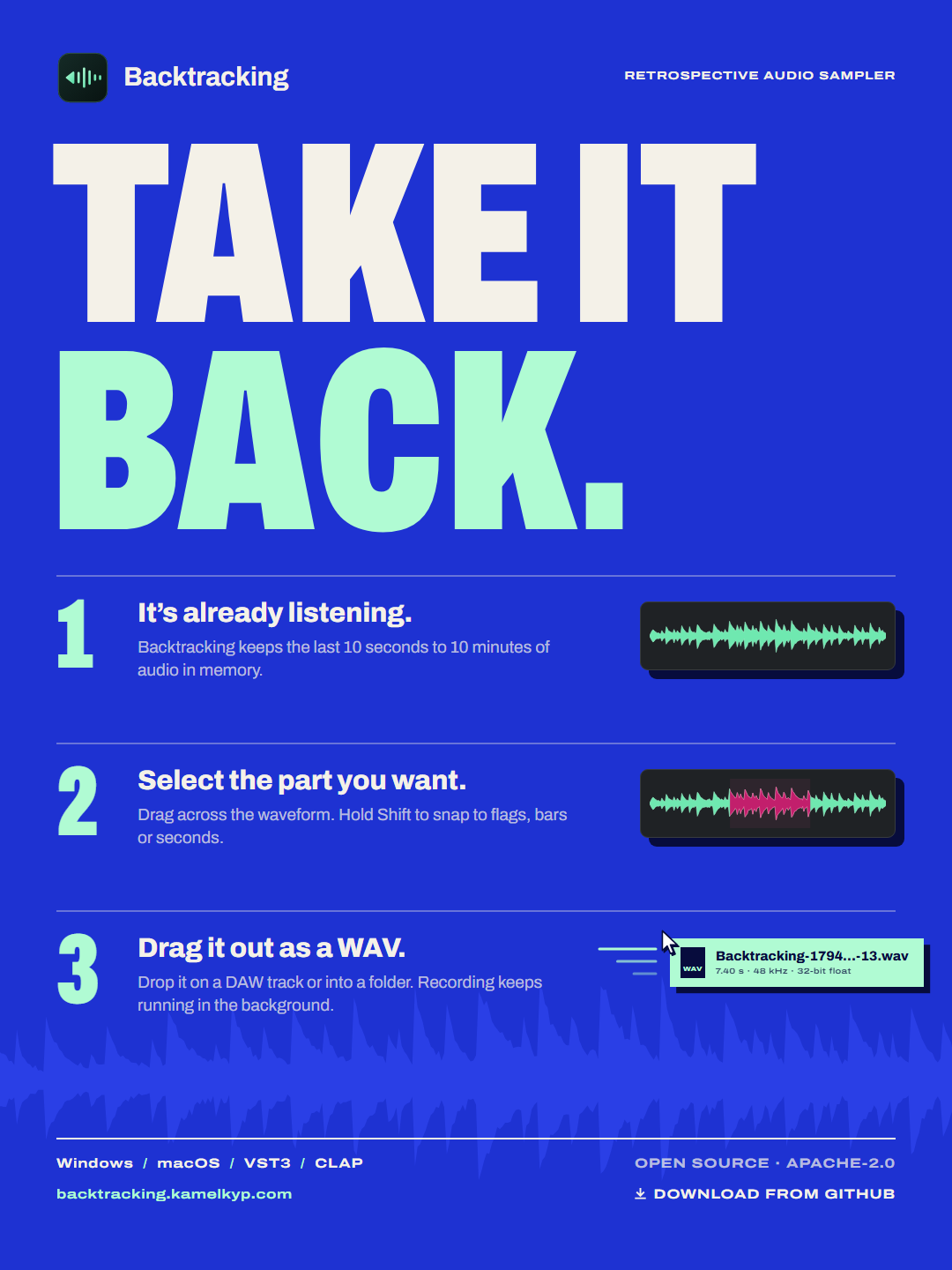 (opens the full-size PNG in a new tab)
Instagram feed post 1080 × 1440
Download PNG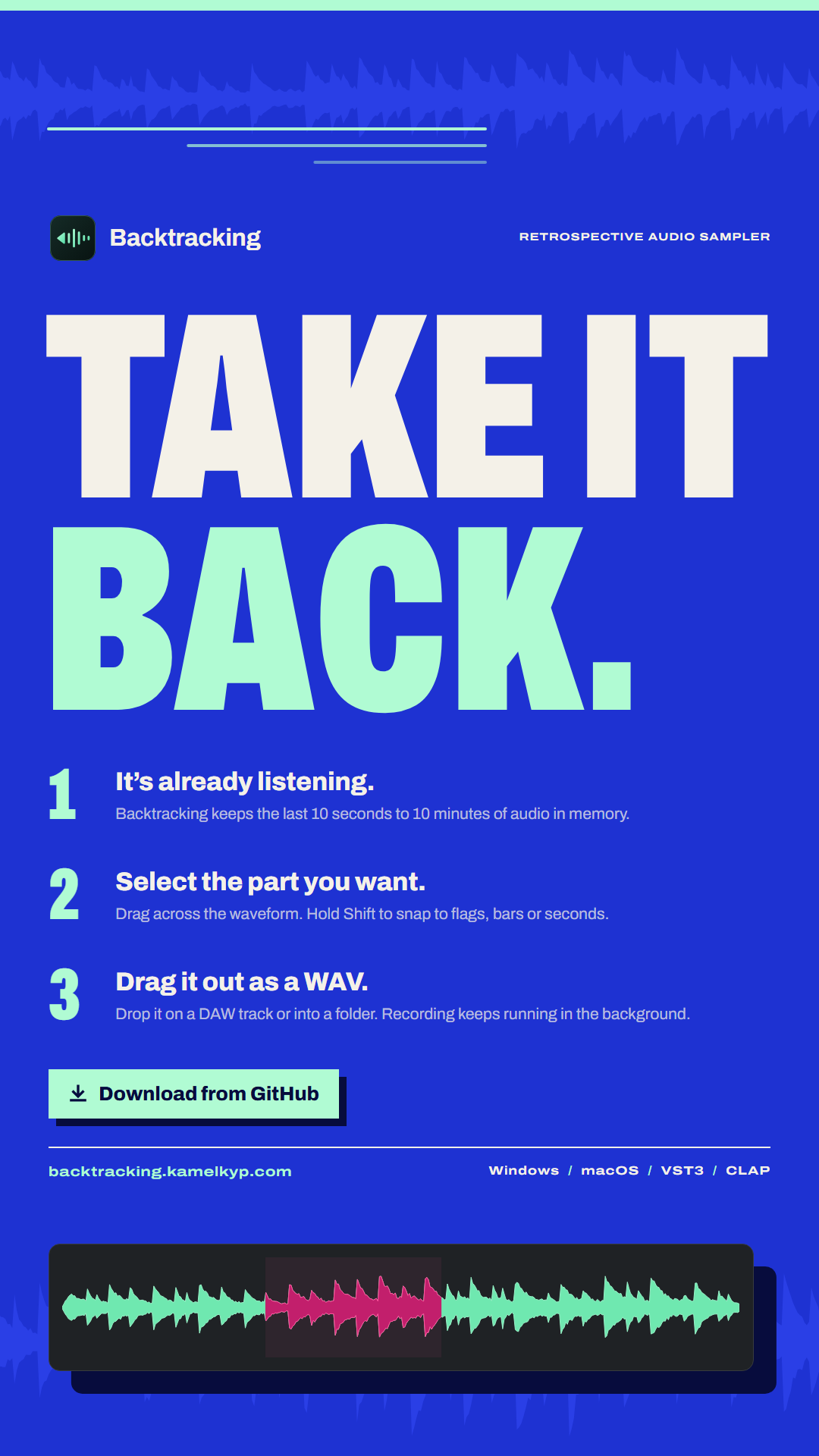 (opens the full-size PNG in a new tab)
Instagram story 1080 × 1920
Download PNG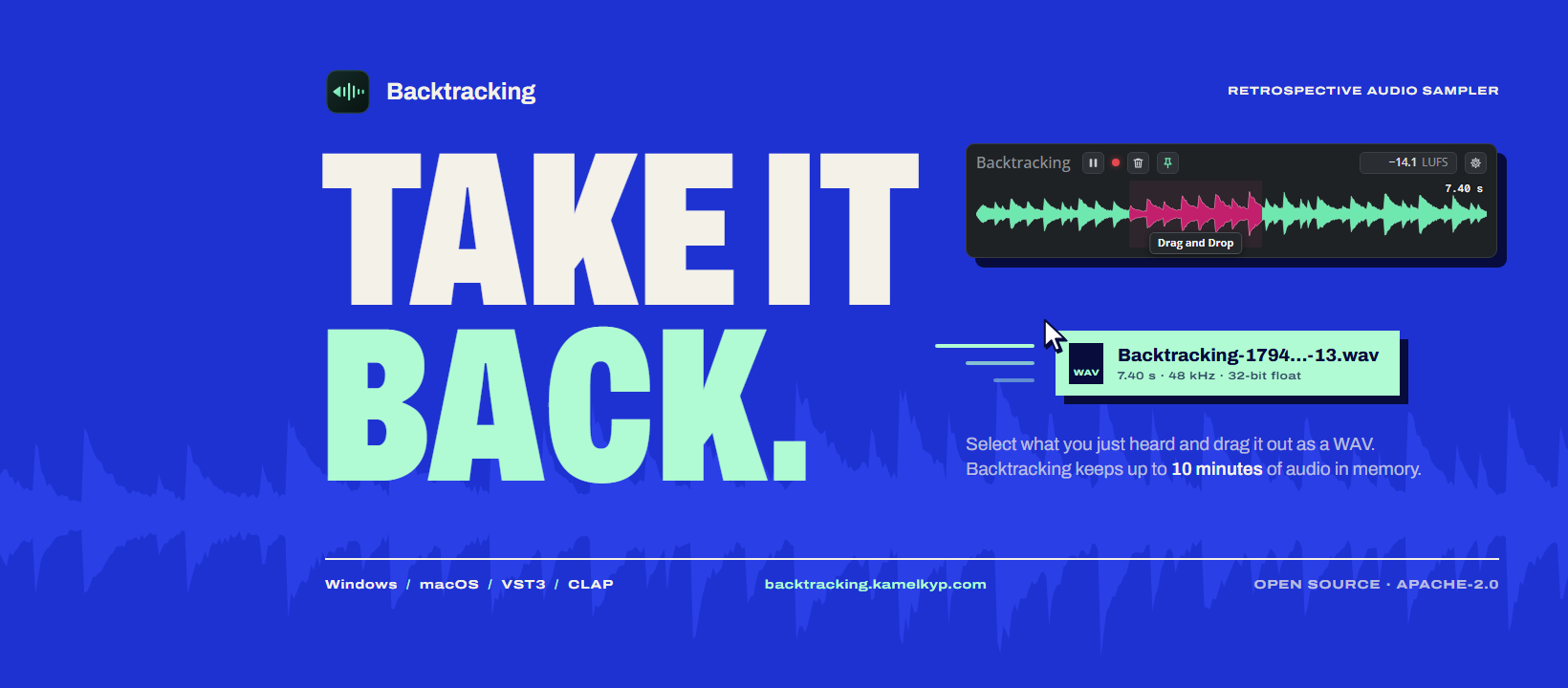 (opens the full-size PNG in a new tab)
Facebook cover 1640 × 720
Download PNG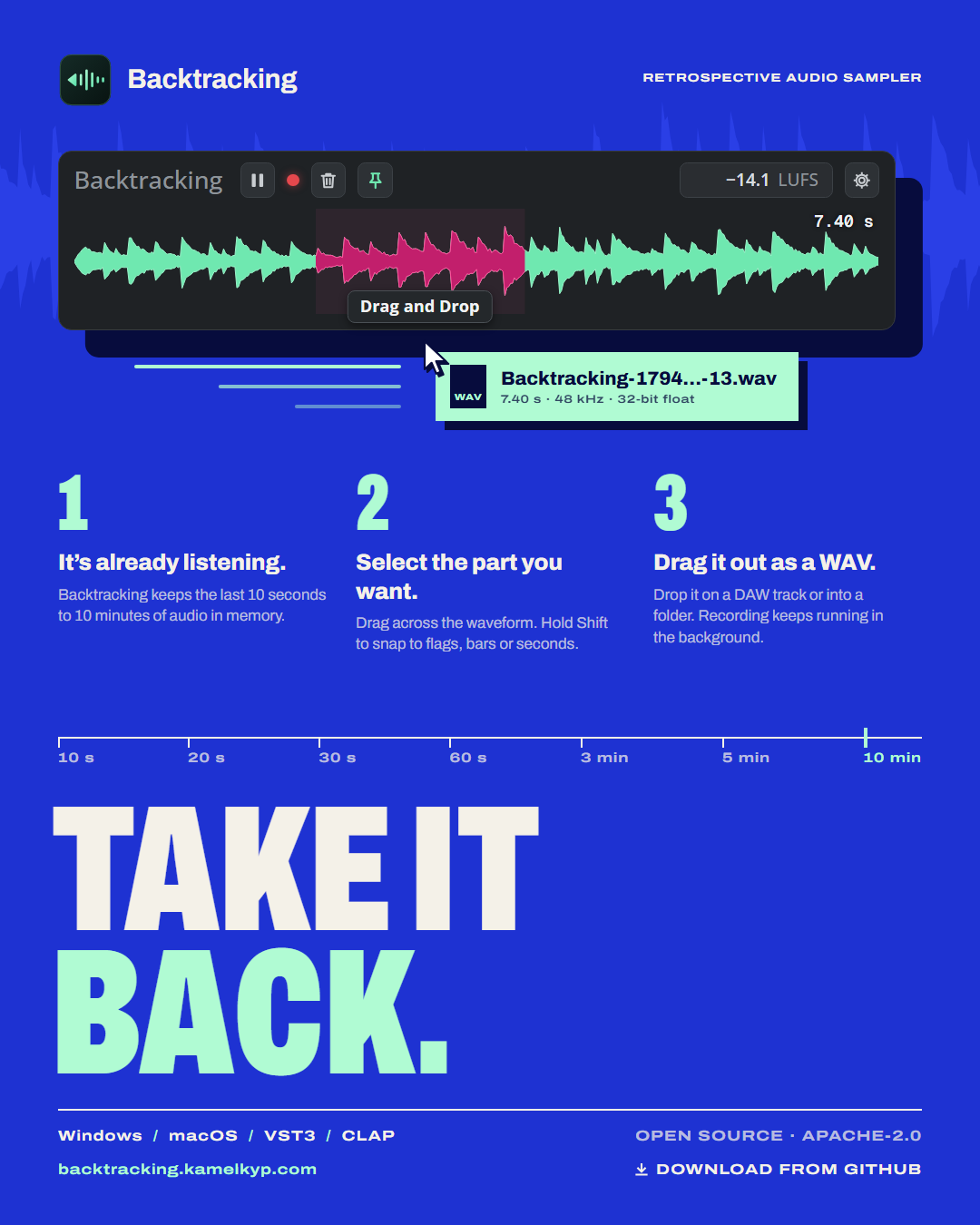 (opens the full-size PNG in a new tab)
Facebook feed post 1080 × 1350
Download PNG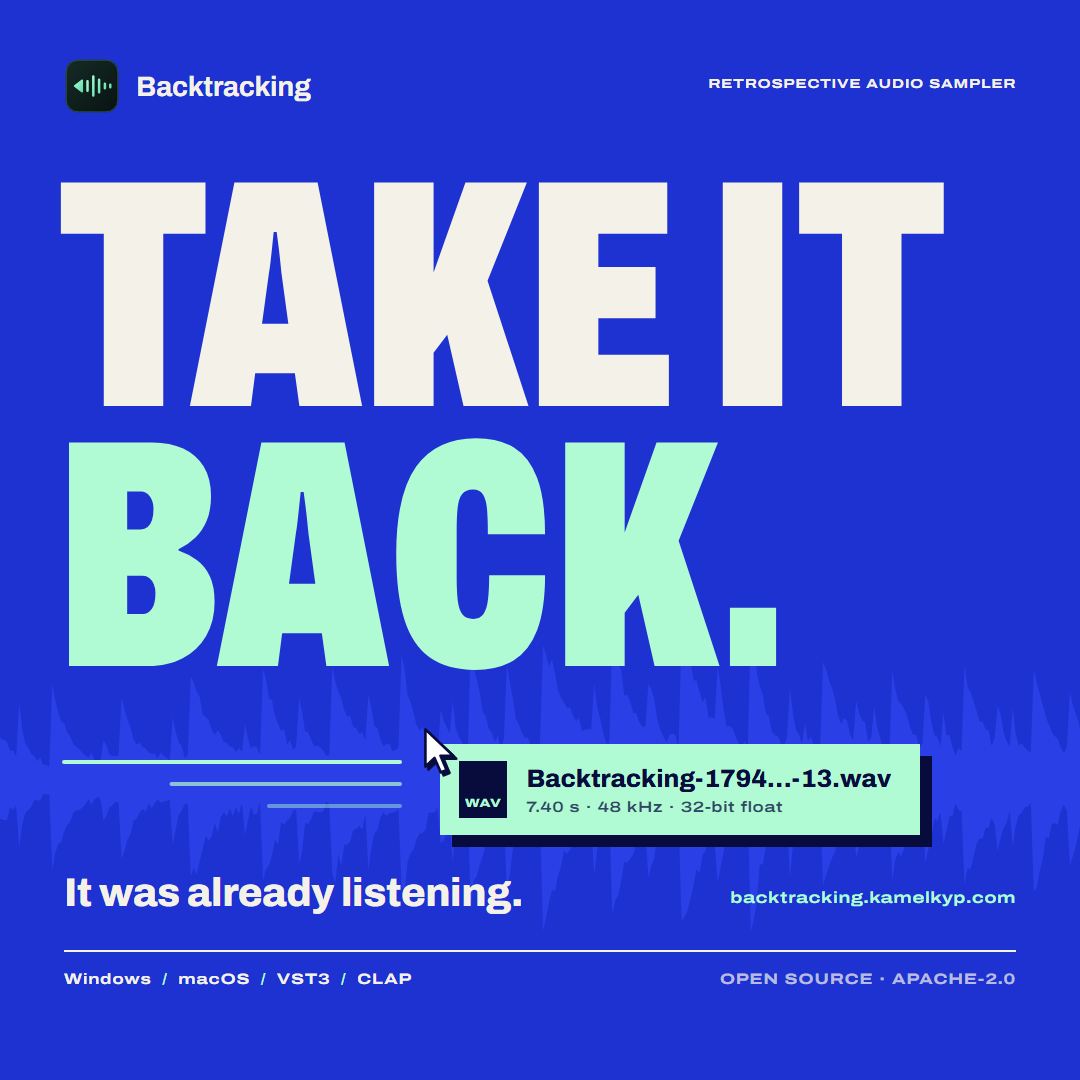 (opens the full-size PNG in a new tab)
Threads post 1080 × 1080
Download PNG (opens the full-size PNG in a new tab)
Buy Me a Coffee cover 1600 × 400
Download PNG (opens the full-size PNG in a new tab)
YouTube channel banner 2560 × 1440
Download PNG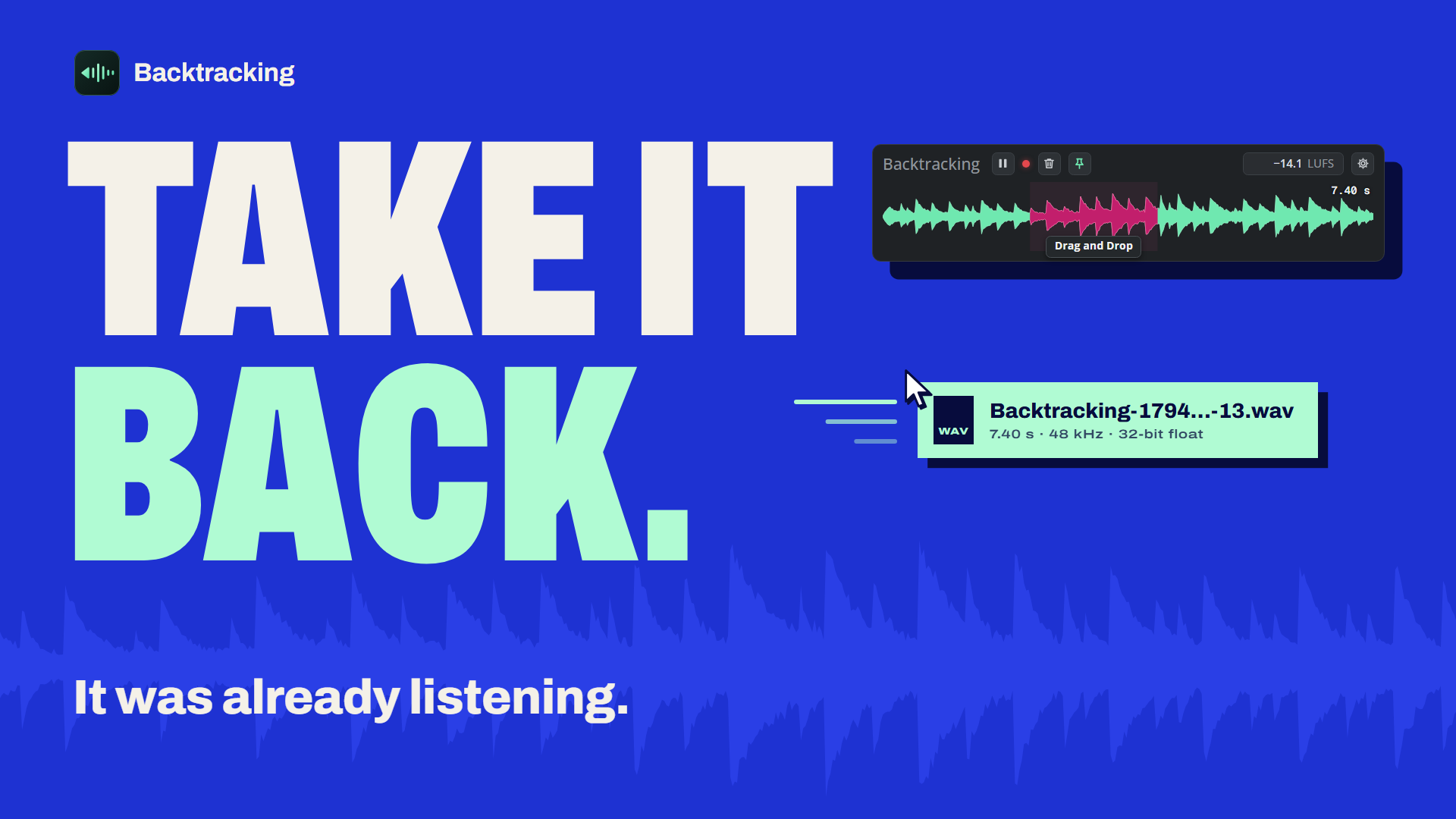 (opens the full-size PNG in a new tab)
YouTube thumbnail 1920 × 1080
Download PNG